Feature Modules
Features are self-contained business logic modules in src/features/. Each feature handles a specific domain of the application.
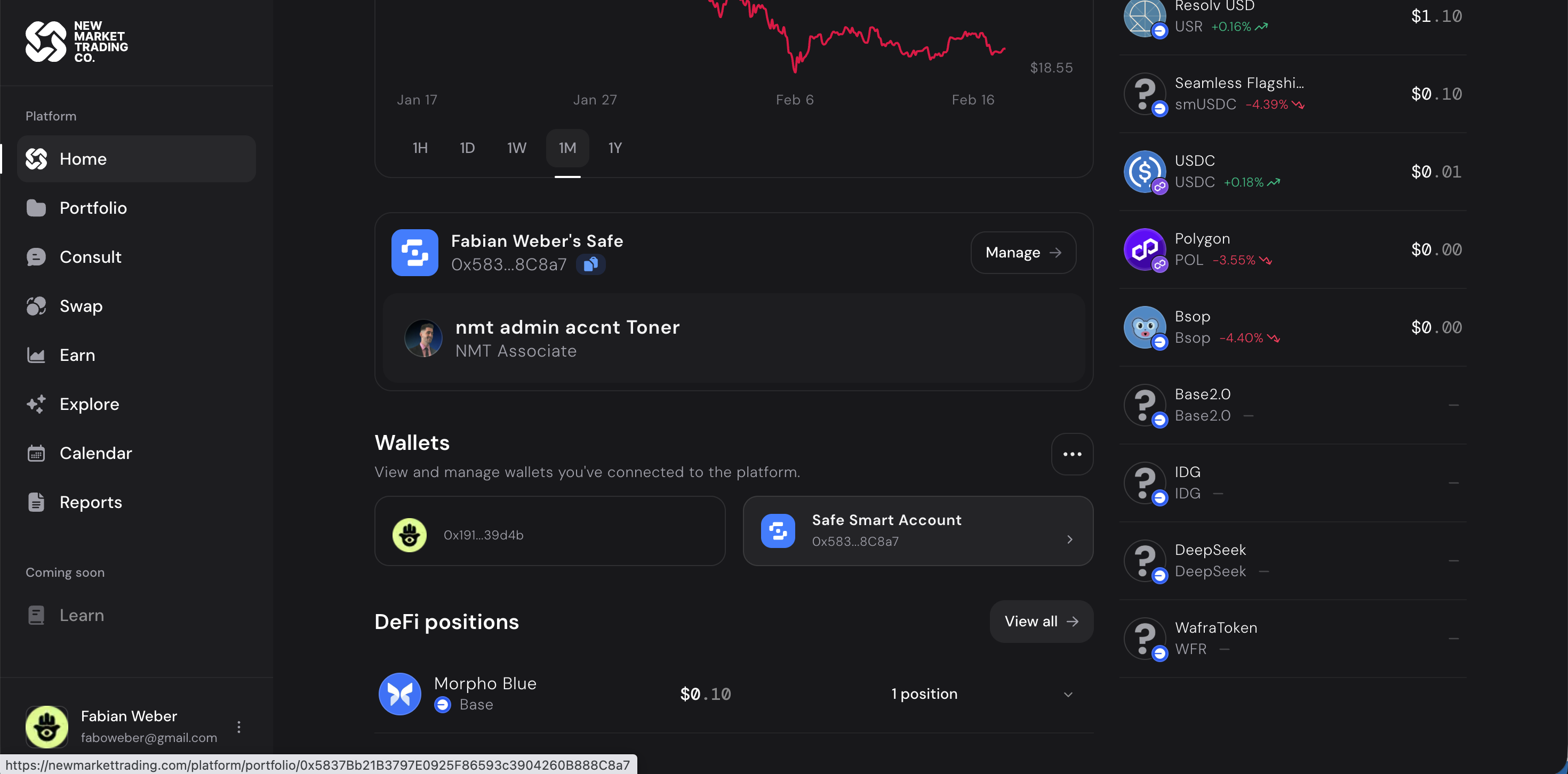 The home page showing connected wallets, DeFi positions (Morpho Blue), and asset breakdown.
Core Features
Delegations (11 sub-modules)
The heart of the platform. Handles the delegation of permissions from a user's wallet to a Safe.
| Sub-module | Purpose |
|---|---|
| Permission creation | Create new delegation grants |
| Delegate management | Add, remove, modify delegates |
| Module approval | Approve DeFi modules on a Safe |
| Safe linking | Link existing Safes to the platform |
| Role assignment | Assign roles (DEPOSITOR, WITHDRAWER, etc.) |
Transact (17 sub-modules)
Generic transaction handling for all DeFi operations.
| Sub-module | Purpose |
|---|---|
| Deposit | Supply assets to protocols |
| Withdraw | Remove assets from positions |
| Swap | Token-to-token swaps |
| Bundle | Multi-step atomic transactions |
| Approval | Token spending approvals |
Safes (4 sub-modules)
Gnosis Safe account management.
| Sub-module | Purpose |
|---|---|
| Create | Deploy new Safe contracts |
| Import | Link existing Safes |
| Settings | Safe configuration |
| Ownership | Owner management |
Token Swap (7 sub-modules)
Dedicated token swapping interface with price aggregation.
Analysis (7 sub-modules)
Portfolio analytics and performance dashboards.
P&L (3 sub-modules)
Profit and loss calculations and visualizations.
Goals (3 sub-modules)
Portfolio goal setting and progress tracking. Goals are user-defined targets for informational purposes — they do not constitute investment advice or guaranteed outcomes.
Communication Features
Consult (6 sub-modules)
Operator interface for managing client relationships.
Note: CometChat (real-time chat and video calls) was removed from the platform.
Platform Pages
Explore
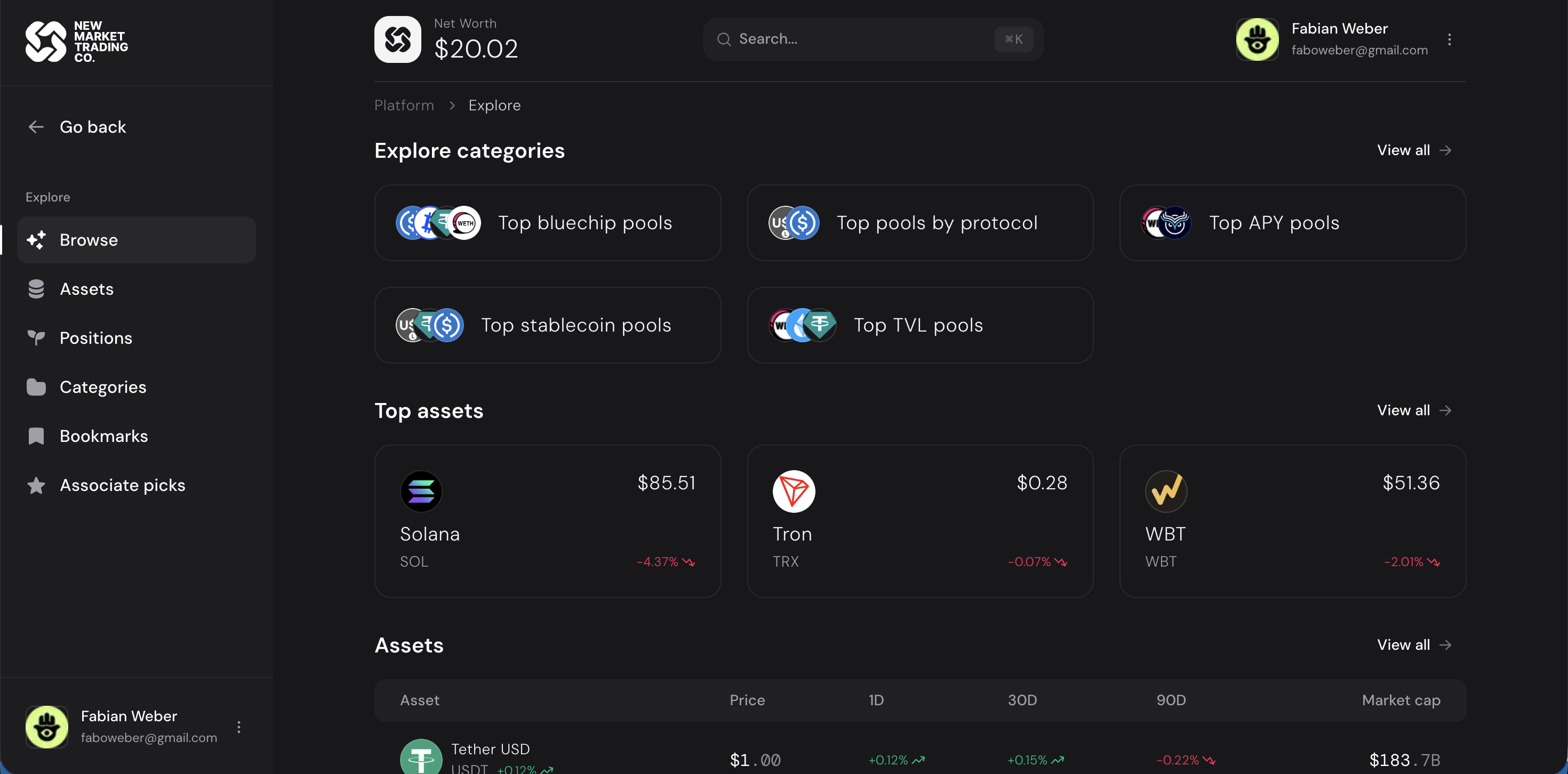 Browse DeFi categories (bluechip pools, current variable APY, stablecoin pools), trending assets, and market data. APY figures are variable and not guaranteed.
Calendar
 Monthly calendar for scheduling events, team meetings, and tracking deadlines.
Reports
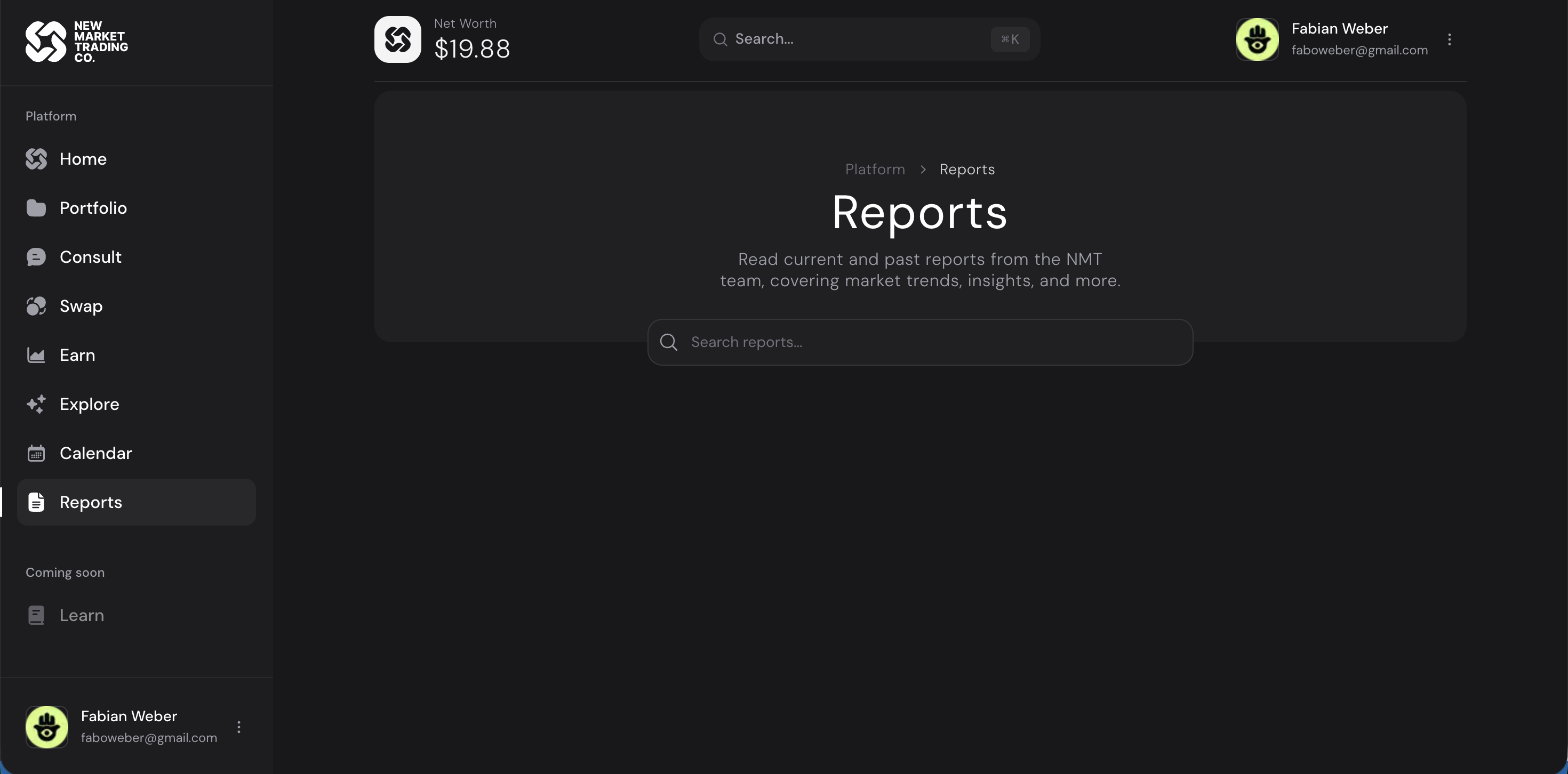 Market reports from the NMT team covering trends, insights, and analysis.
Permission System (ABAC)
The platform uses an Attribute-Based Access Control (ABAC) system that operates at two levels:
App-Level Permissions (src/v2/permissions/)
Controls what actions a user can perform based on their platform role (super, admin, client). For example, only supers and admins can add delegate addresses, and admins are further gated by safe-level permissions.
Safe-Level Permissions (src/v2/safes/permissions/)
Controls what actions a user can perform on a specific Safe based on their safe role (creator, delegate, viewer). Each DeFi module has a permission check that verifies the user has an enabled permission for that module on the target chain.
| Safe Role | Can Do |
|---|---|
| Creator | Deploy safes, install modules, add/remove delegates, deposit, withdraw, subscribe |
| Delegate | Deposit, use modules (per-chain check), create discounts (if granted), update delegate addresses |
| Viewer | Read-only |
The permission matrix is declarative — each role maps to a set of resources and actions, where entries can be true (always allowed) or a function that evaluates dynamic conditions (e.g., checking on-chain module status).
Key Files
| File | Purpose |
|---|---|
src/v2/permissions/index.ts |
App-level hasAppPermission() check |
src/v2/safes/permissions/index.ts |
Safe-level hasPermission() check with module registry |
src/v2/safes/permissions/helpers.ts |
moduleCheck() helper for on-chain module verification |
Supporting Features
Skills (7 sub-modules)
Tutorial and educational video hub. Embeds Vimeo-hosted video tutorials managed by super admins via the admin panel. Stored in the tutorial database table with title, description, embed URL, and thumbnail.
Admin (in app/platform/admin/)
Two-tier admin panel for platform management.
| Role | Access |
|---|---|
| Admin | Manage own clients, associates, whitelist, Safe modules, discounts |
| Super Admin | Full platform control: all admin features + manage other admins, tutorials (Skills), global settings |
Roles are assigned via Dynamic Labs allowlists and delivered to the platform through webhooks. The admin dashboard includes MRR statistics and client overview.
Settings (4 sub-modules)
User preferences, notification settings, and account management.
Media (5 sub-modules)
Image and file management via ImageKit.
Feature File Convention
Each feature typically contains:
features/{feature-name}/
├── components/     # Feature-specific UI components
├── hooks/          # React hooks for state and logic
├── actions/        # Server actions or API calls
├── types.ts        # TypeScript types
└── utils.ts        # Helper functions